
How fast does contact data go stale, and what to do about it
People change jobs and inboxes close. Measure how quickly your own list ages, then build a simple routine to keep it fresh.
Any contact list begins to age the day you build it. People change roles, companies merge, domains change and inboxes are closed. Nobody can give you one honest number for how fast, because it differs by industry, seniority and country.
So rather than trust a headline figure, measure your own. It's a small job, and it tells you how often to refresh.
Why lists decay
- Job changes. The person leaves and their work email stops working.
- Company changes. Acquisitions, rebrands and closures change domains.
- Inbox changes. Companies tidy up mailboxes, and filters get stricter.
- Your own data. Typos and old entries pile up in the CRM.
Fast-moving areas, such as startups and sales roles, usually age faster than steady ones.
Measure your own decay
- Pick a random sample of 200 contacts that were added at least six months ago.
- Send them a low-risk, useful message, or check each person's current employer by hand.
- Count how many bounced or no longer work there.
- Divide by 200. That's your rate for that age of record.
Fictional example
- Sample size
- 200 contacts
- Added
- Eight months ago
- Bounced or left the company
- 26
- Rate
- 13%
Repeat this by age band, such as under 3 months, 3 to 6, and over 6. The pattern tells you when to act.
A routine that keeps lists fresh
| What | How |
|---|---|
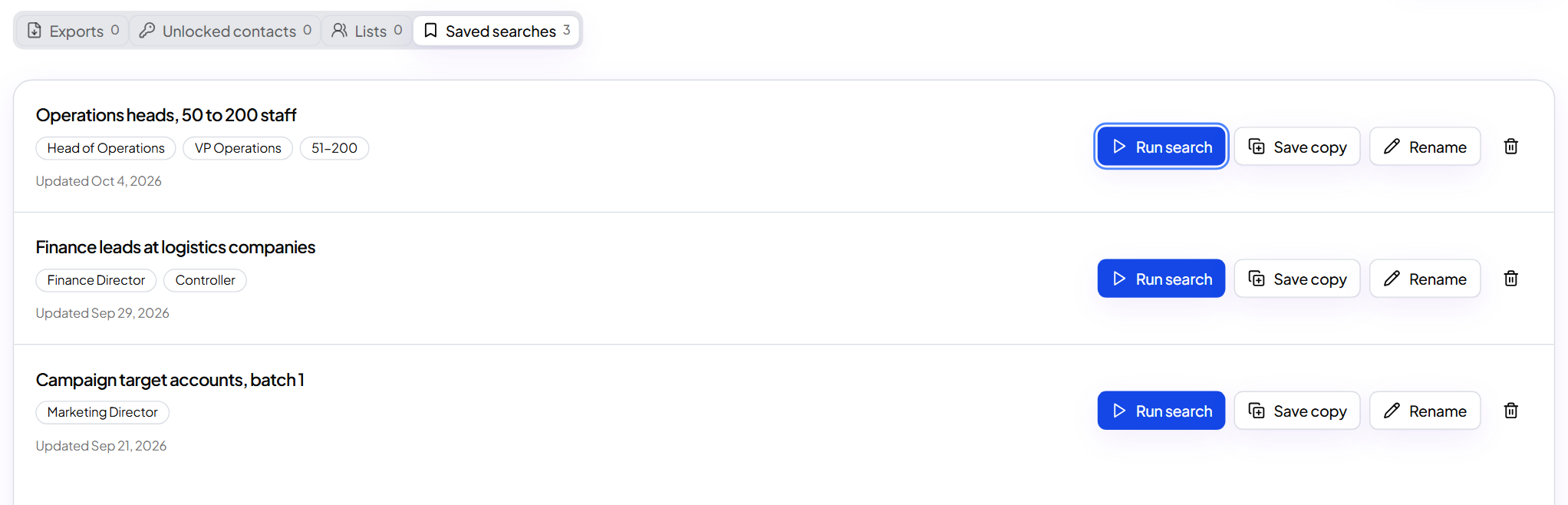
| Rerun saved searches | Searches in ContactYard use current data each time, so people who joined appear and people who left drop out |
| Check dates | Use cy_email_verification_date in enriched files to see when each email was checked |
| Compare lists | Anyone in your old file who is missing from the new search may have moved. Check them before sending |
| Retire old rows | Archive contacts nobody has contacted or checked in a year |
Tip: Enriching a file again doesn't refresh people you've already unlocked. To catch changes, rerun your search and compare.
What to do next
Put numbers on your data: measure contact data quality.
Keep reading
How to measure contact data quality with your own test
Run the same sample through any source, compare what you get and decide with numbers instead of promises.
When to email the same list again, and what to change
Most people don't remember your first email. Here is when to contact the same market again and how to keep it fresh.
How to fill in missing emails and phone numbers in a spreadsheet
Upload a contact file, map your columns, check the preview and get emails and phones added next to your original rows.