
How to measure contact data quality with your own test
Run the same sample through any source, compare what you get and decide with numbers instead of promises.
Claims about data quality are easy to make and hard to compare. The only fair way to judge a source is to test it on your own list and look at the results yourself.
This is the version for operations teams who need numbers they can repeat quarter after quarter. Agencies choosing a supplier can use the provider test.
Four measures worth tracking
| Measure | How to calculate | What it tells you |
|---|---|---|
| Match rate | Rows with a result ÷ rows you submitted | Coverage of your market |
| Bounce rate | Emails that bounced ÷ emails sent | How safe the emails are to send |
| Reply rate | Replies ÷ delivered emails | Whether the right people were reached |
| Cost per useful contact | Total spend ÷ contacts that were delivered | Value, not the sticker price |
Some email services warn or limit senders when bounce rates climb above a few percent, so treat bounce rate as the safety check.
How to run the test
- Take a sample of 300 to 500 people from your own CRM. Include a mix of industries, sizes and seniority.
- Run the same file through each source you're comparing, at the same time.
- Count how many rows came back with an email, and how many with a phone.
- Send a small, plain message to a random 100 from each result set.
- Record bounces and replies after one week.
Tip: Run both tests on the same days and from the same inboxes. Otherwise you're measuring your sending, not the data.
A filled-in scorecard
Fictional example: 400-row sample
- Rows submitted
- 400
- Rows with an email
- 312 (78%)
- Rows with a phone
- 141 (35%)
- Sent to a random 100
- 100
- Bounces
- 3 (3%)
- Replies
- 6 (6%)
These numbers are invented for illustration. Yours will differ, and a good result depends on your market.
How ContactYard helps
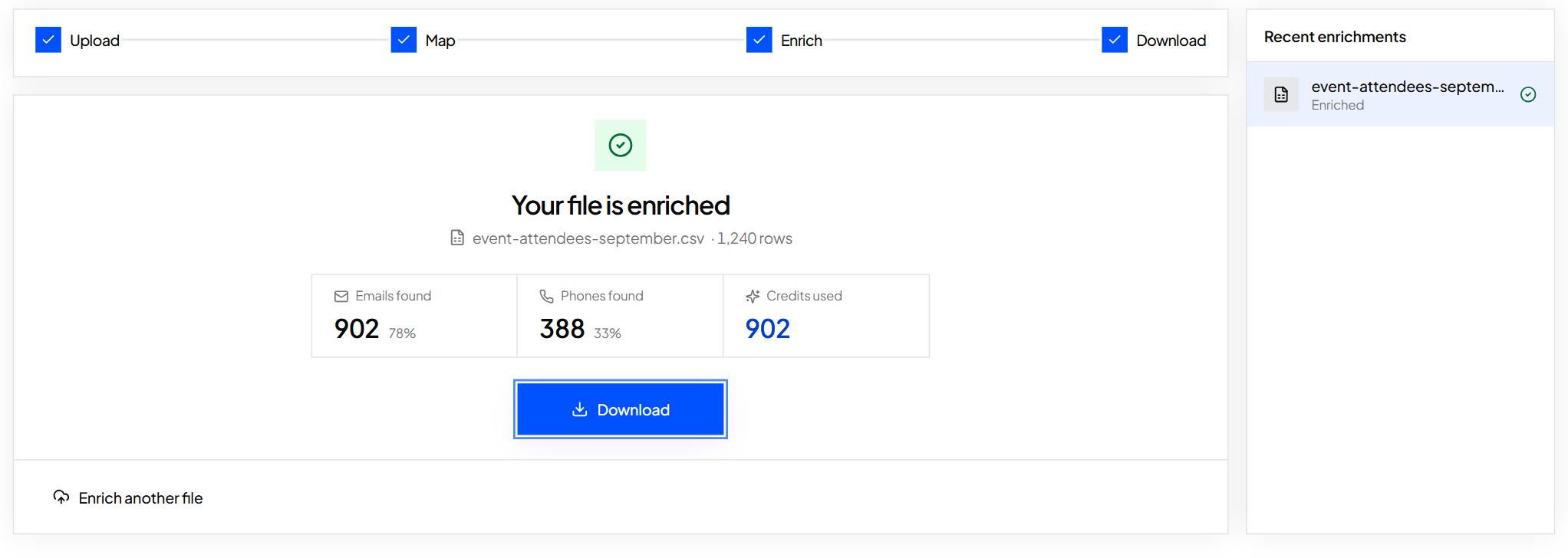
Bulk enrichment returns a cy_status for every row and a cy_email_verification_date, so match rate is a quick count in your spreadsheet. Rows not found cost nothing, so a test file only uses credits on people you actually get back.
What to do next
Keep results fresh: how fast contact data goes stale.
Keep reading
How to test a contact data provider head to head
A fair way to compare data sources on the same sample, instead of trusting claims. Includes a scoring sheet.
How fast does contact data go stale, and what to do about it
People change jobs and inboxes close. Measure how quickly your own list ages, then build a simple routine to keep it fresh.
How to clean a list before you send: role inboxes, competitors and wrong titles
A short checklist to remove the contacts that waste sends or hurt your reputation, before you email anyone.